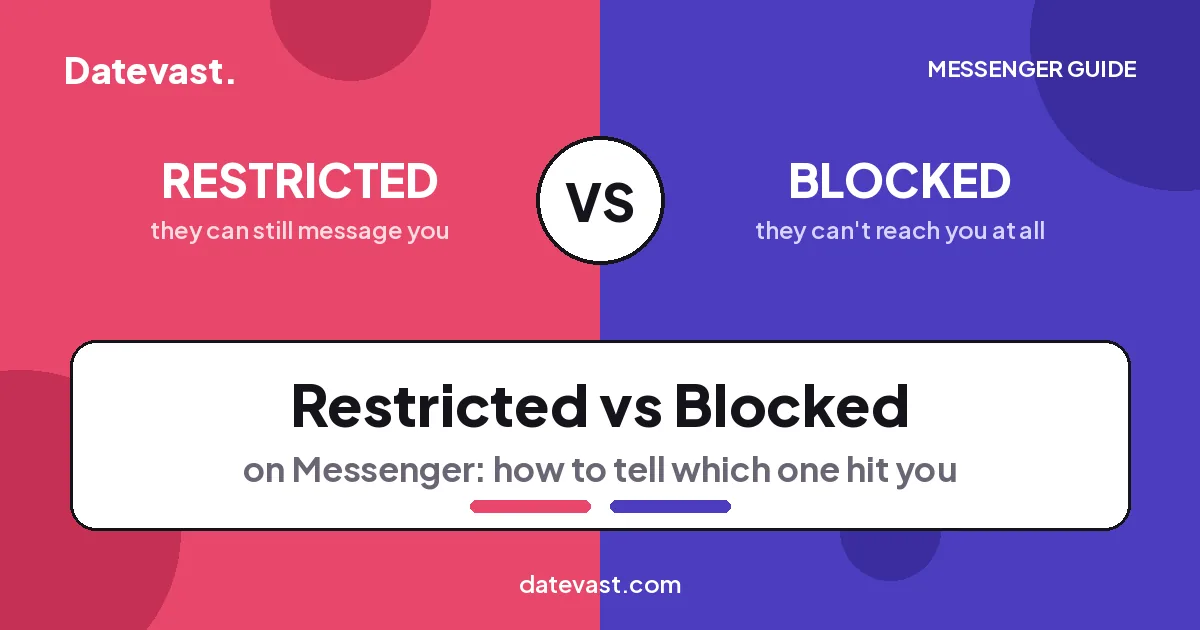
Quick answer: Restrict is Messenger’s quiet mute — the person can still message you, but their chats slide silently into your Message Requests, they never see…
How to
Step-by-step Facebook, Messenger and Instagram how-to guides that fix the most common problems in minutes.
Facebook Shortcut (How to Create a Facebook Shortcut on Desktop & Mobile Device)

Quick answer: To put a Facebook shortcut on your desktop, right-click the desktop → New → Shortcut, enter https://www.facebook.com/, click Next, name it “Facebook”, and click…
How to See Your Blocked List on Facebook

Quick answer: To see your blocked list on Facebook, open Settings & privacy → Settings, scroll to the Audience and visibility section, and tap Blocking. On…
How to Fix Facebook Messenger Message Sent but Not Delivered
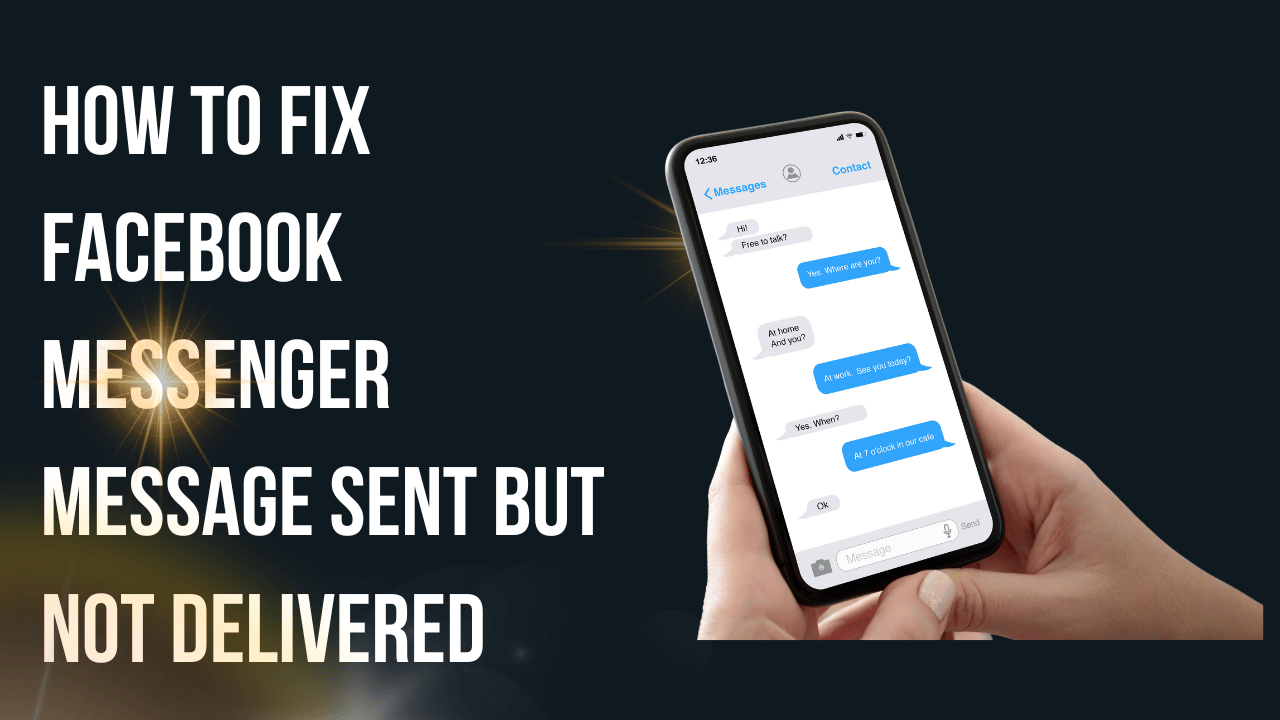
Quick answer: A Messenger message stuck on “Sent” (never “Delivered”) means it reached Facebook’s servers but not the other person — usually because they’re offline, have…
How to Unmatch on Facebook Dating (2026 Guide)

Quick answer: To unmatch someone on Facebook Dating, open Dating in the Facebook app, go to your matches or the conversation, tap the person’s name/profile, then…
How to Remove Contacts from Facebook Messenger [Updated Guide]
Quick answer: Facebook Messenger has no dedicated “remove contact” button. To get someone off your list you either Block them (open the chat → tap their…
How to Set Up Meta Wallet: Complete Step-by-Step Guide
Quick answer: “Meta Wallet” is Meta Pay — the digital wallet that works across Facebook, Instagram, Messenger and WhatsApp (formerly Facebook Pay). Set it up in…